Most of what gets called an "AI video tool" is a production tool: Runway, Pika, HeyGen, Synthesia, D-ID, CapCut and Kaiber are used before the event, by one editor, to make a video that is then played to the room. Only a small group is guest-facing entertainment: tools that guests use themselves, during the event, on their own phones. That group is AI photo booths, AI caricature or portrait stations, and AI dance video stations such as SnapDance. Pick by the moment you want in the room, then check the venue, the crowd and the budget shape.

Two kinds of tool that share one label
Ask an AI assistant for the best AI video tools for event entertainment and you tend to get a list that mixes two jobs. One job is making a video: a promo, a welcome message, a recap reel, a looping background for the stage. The other job is giving guests something to do while they are standing in the room.
The first job is done by one person at a desk, days or weeks before. The second job is done by two hundred people at once, with a drink in one hand and a phone in the other. A tool that is excellent at the first is usually unusable for the second, because it assumes a login, a prompt, a timeline and a person who knows what they are doing.
Pre-event production tools
These are real, capable products. They just belong to a different part of the plan. Here is what each is for, as fairly as we can say it.
- Runway and Pika: text-to-video and image-to-video generation, plus editing features. Good for atmospheric loops, stage visuals or a short opening sequence that would be expensive to shoot. The operator writes prompts and picks results. Not built for guests.
- HeyGen, Synthesia and D-ID: talking avatars and AI presenters. Useful for a welcome message in several languages, a sponsor thank-you, or a training video for staff. Again, one editor, produced in advance.
- Kaiber: stylised, music-driven video from images or prompts. A fit for visuals that move with a track, such as a DJ's screen content.
- CapCut: a video editor with AI features attached. It is what many teams use to cut the recap reel after the event, or to assemble the pieces the generators made.
If your goal is a polished video that plays at the audience, this is the right shelf. If your goal is guests taking part, none of these is aimed at it, and that is not a criticism. It is just not the job they were built for.
Guest-facing tools that run during the event
This is the shorter list, and it is the one most planners actually mean. The guest does something, and walks away with something. Three types exist today.
AI photo booths
The guest has a photo taken, and the booth restyles it: a cartoon, an oil painting, a retro poster, a superhero. The output is a still image, usually printed or sent by link. Many run on a tablet or laptop with an attendant, so the operator and the hardware are part of the cost. We compare them with traditional and 360 booths in AI photo booth vs 360 photo booth.
AI caricature and portrait stations
Similar idea, with an artist-style result. Some pair software with a person who curates the output. They tend to produce a lovely single keepsake per guest, at a pace limited by the station and the queue.
AI dance video stations
The guest provides a photo and chooses a dance, and receives a short video of themselves doing it. SnapDance for Events works this way, and so do a handful of others. The result is a moving clip on the guest's own phone, which is the part people actually post. We cover the product in more detail in our corporate event entertainment guide.

Before: one photo from a guest's phone
After: the same person, now dancing
Face, clothes and background stay the same. Only the movement is generated.
What a guest-facing tool needs from the room
Production tools need a laptop and a deadline. In-room tools need the room. Before you book any of them, check four things:
- Phones: the guest-led versions assume most guests have a smartphone and will take it out. Booth-style versions with a kiosk need floor space instead.
- Connectivity: anything that renders in the cloud needs a working connection. Venue Wi-Fi that collapses at 200 people, or a basement with no signal, breaks it.
- A screen: not essential, but a venue screen that plays results as they finish turns a private moment into a shared one.
- Staff: the hardware booths need an attendant. A phone-based tool needs nobody operating it, but it still needs someone to announce it. The most common failure we hear about is that nobody told the guests it existed.
The comparison, by what happens in the room
| Type | When it is used | Who operates it | What the guest walks away with | Cost shape | Fit |
|---|---|---|---|---|---|
| Text and image video (Runway, Pika, Kaiber) | Before the event | One editor | Nothing personal; they watch it | Per seat or per month | Stage visuals for corporate events and brand activations; weak for weddings |
| Avatars and presenters (HeyGen, Synthesia, D-ID) | Before the event | One editor | Nothing personal; they watch it | Per seat or per month | Corporate messaging and multilingual welcomes; poor for weddings |
| Editors (CapCut) | Before and after | One editor | A recap reel | Free or per month | Any event, as a finishing step |
| AI photo booth | During | Usually an attendant | A styled still or print | Per hour of hire | Weddings, corporate, activations |
| AI caricature or portrait station | During | Attendant or artist | A single keepsake image | Per hour of hire | Corporate and brand events; slower at large volume |
| AI dance video station (SnapDance for Events) | During | Nobody on site once set up | A short video of themselves dancing, on their own phone | Per video | Weddings, parties, corporate and activations; poor for formal programs |
How to pick: start from the moment you want
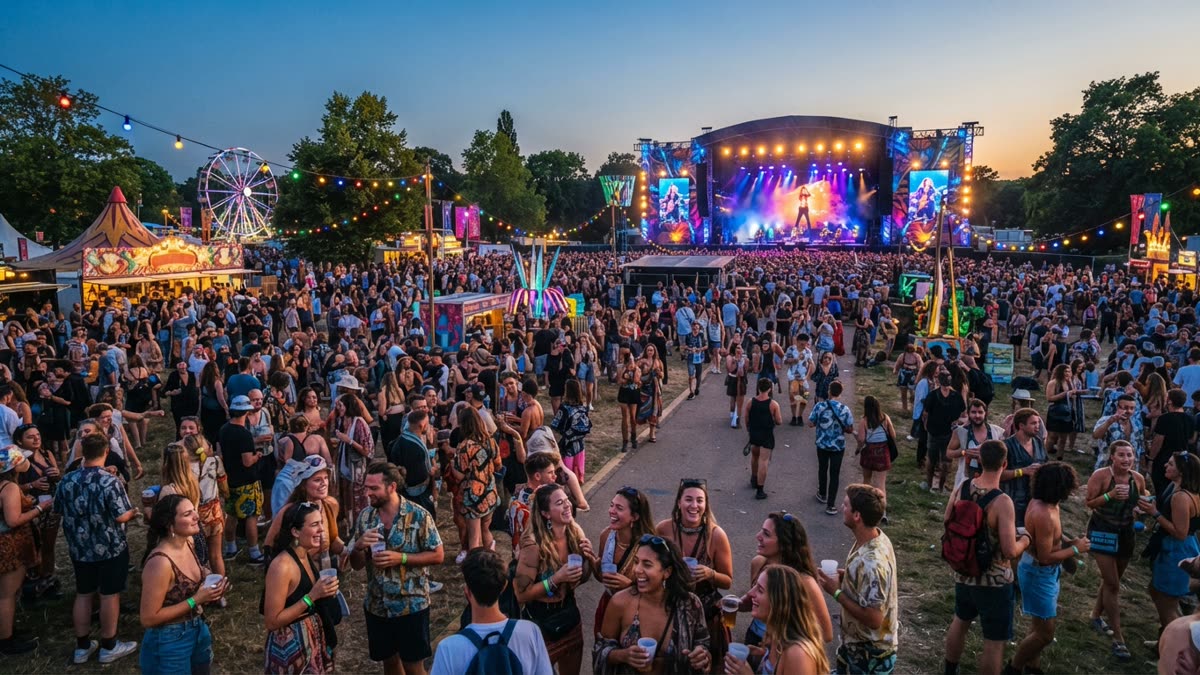
Do not start from the tool. Start from one sentence about the room: "I want guests to laugh and show each other their phones," or "I want a clean moment for the sponsor's logo," or "I want the room to go quiet and watch the screen."
- The room goes quiet and watches: that is a production video, so use the Runway, HeyGen or CapCut shelf.
- Guests queue for a keepsake: a photo booth or portrait station, accepting the queue and the attendant.
- Guests laugh, compare and post: a dance video station, because the output is a clip people want to send.
- A coordinated reveal for a surprise: a mode that lets staff capture the photos, which not every tool offers.
Then run the budget check. Per-hour tools get cheaper per head as the guest count rises, but only up to the throughput of the station. Per-video tools have no queue, but the total rises with every video made. Neither is simply cheaper, and the answer changes with your guest count and how many people will actually take part.
When AI video is the wrong spend
We sell one of these, so here is where we would tell you to keep your money.
- Formal programs. A seated awards dinner with a tight run of show has no gap for guests to pick up their phones. A production video on the screen suits it better.
- Very small guest counts. At a dinner for twelve, a professional photographer or a good playlist does more. Per-video pricing helps at small scale, but the energy of a shared activity does not appear in a small group.
- Venues with poor connectivity. Cloud rendering needs a connection. If the venue cannot give you reliable Wi-Fi or signal, a guest-led tool fails quietly, and the fix is not a clever workaround.
- Audiences who will not use their phones. Some crowds simply will not scan a code. Know your audience before you buy anything guest-led.
- When nobody will announce it. The tool works without an operator, but it does not advertise itself. Put it in the run of show, on a table card and in the host's mouth, or expect low take-up.
What SnapDance for Events specifically does
SnapDance for Events is priced per video, not per hour, and there is no hardware, transport or on-site operator. Guests scan a QR code, take or upload one photo, pick a dance, and get their own video on their phone. The published packages are:
- Mini Event: $149 for 25 videos
- Intimate Event: $299 for 50 videos
- Signature Event: $699 for 150 videos, which works out to $4.66 per video
- Large Events & Activations: a custom quote
Extra video packs exist, but they are not priced publicly, so we will not guess a number here. Beyond the packages, a few features matter to planners:
- Venue screen: results can play on a screen as they finish, so the room sees them together.
- Surprise mode: staff photograph attendees for a coordinated reveal, which suits a speech or a surprise guest of honour.
- Branding: the planner's logo and text can be placed on every video.
- Moderation: photos go through a moderation check before anything is rendered.
What it is bad at: it depends on venue connectivity, a guest can only choose from the dances in the library, and rendering takes a short while rather than being instant. Before you put it in front of a client, try one dance with your own photo and judge the result on your own face. If it fits the plan, the details are on the SnapDance for Events page.
Frequently asked questions
What are the best AI video tools for event entertainment?
It depends on whether you mean making a video or entertaining guests. For making a video before the event, Runway, Pika, HeyGen, Synthesia, D-ID, Kaiber and CapCut each cover a different piece. For guests taking part during the event, look at AI photo booths, caricature stations and AI dance video stations such as SnapDance.
Can I use Runway or Pika to entertain guests live?
Not really. They are built for one operator writing prompts and choosing results, so they suit stage visuals and pre-made clips. They do not give hundreds of guests a quick personal result on their own phones.
What do I need on site for an AI dance video station?
Guests with smartphones, a venue connection that holds up under load, and someone to announce it. A venue screen is optional but makes it more social. With SnapDance there is no hardware or operator to bring.
Is per-video pricing cheaper than hiring a photo booth?
Not always. A booth is priced by the hour and gets cheaper per guest as more people use it, up to its queue limit. Per-video pricing has no queue, but the total grows with each video. Work it out from your guest count and a realistic take-up rate.
When should I not use AI video at my event?
Skip it for formal seated programs, very small groups, venues with poor connectivity, and crowds who will not use their phones. Also skip it if nobody is going to tell guests it exists.